Available to:
✅ Conversation Members ✅ Learner Members ✅ Supporter Members
Navigation Menu
At the top of the membership platform, you’ll find the main menu. Here’s what each item does:

- Learn → Access Learning Paths, which guide you through our videos and exercises step by step according to your level.
- Videos → Chronological overview of all Easy German videos. Opening a video opens associated perks such as worksheets, vocab lists, and downloads.
- Podcast → Chronological list of all podcast episodes. Clicking an episode gives access to the interactive transcript, and other podcast perks.
- Community → Entry point to our Discord community and information about Conversation Calls.
- FAQ → Opens this Help Center.
- 🔔 → Shows notifications about new content published on the platform.
- 👤 → Opens your account menu, where you can view and manage your account, settings, and membership.
Search and Filters
Both the Videos and Podcast pages include a search bar that lets you search by keyword or episode title.
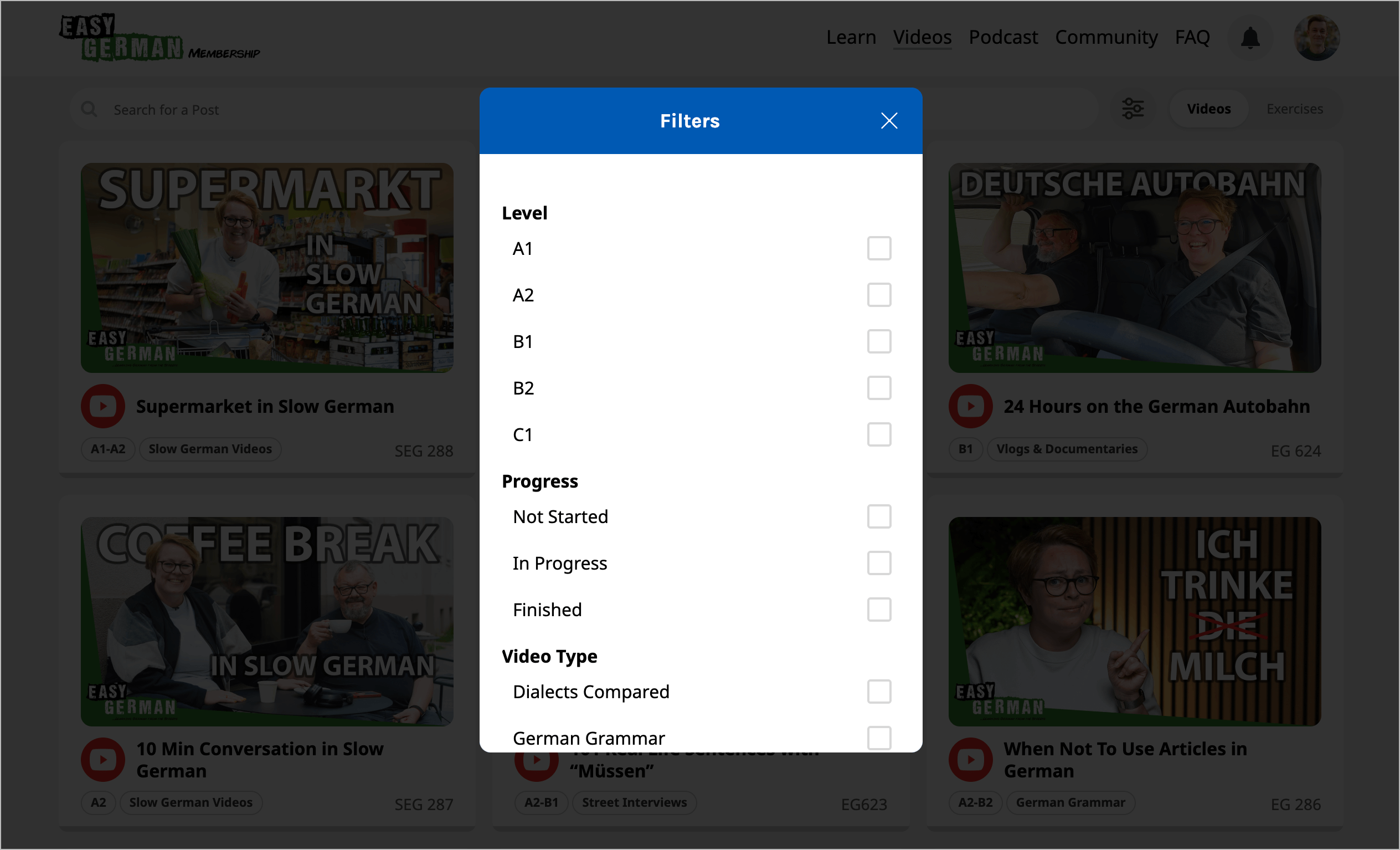
On the Videos page, you’ll also find a Filters button that helps you narrow down by:
- Language level
- Video type
- Video topic
- Language topic
Additionally, you can toggle between videos and individual exercises to view exactly the type of learning material you’re looking for.